

Payments, and everything they unlock. For your concert, dance event, festival, warehouse rave, open-air party or city event.
Technology for you, your crew and your crowd. From the first payment to visitors you know and reward.
Book a demo












What they unlock
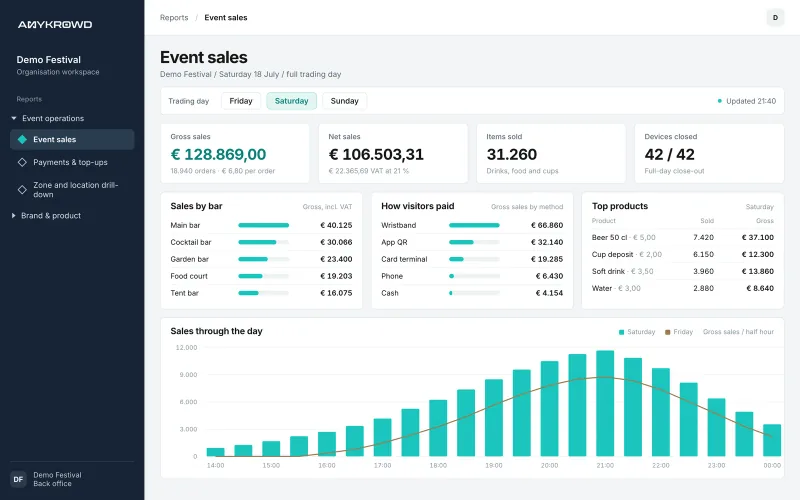
You
Know who came, what sold and who comes back.
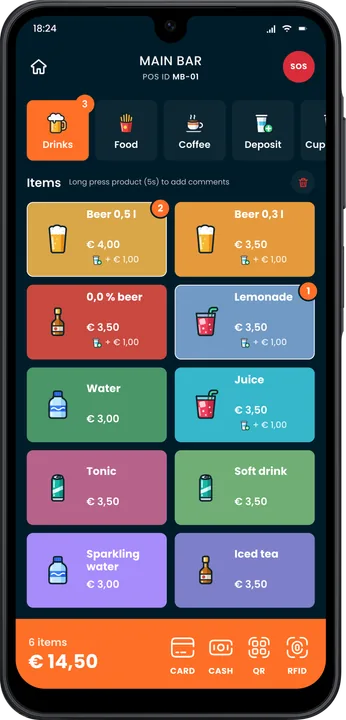
Your crew
Take all payment methods on one device.
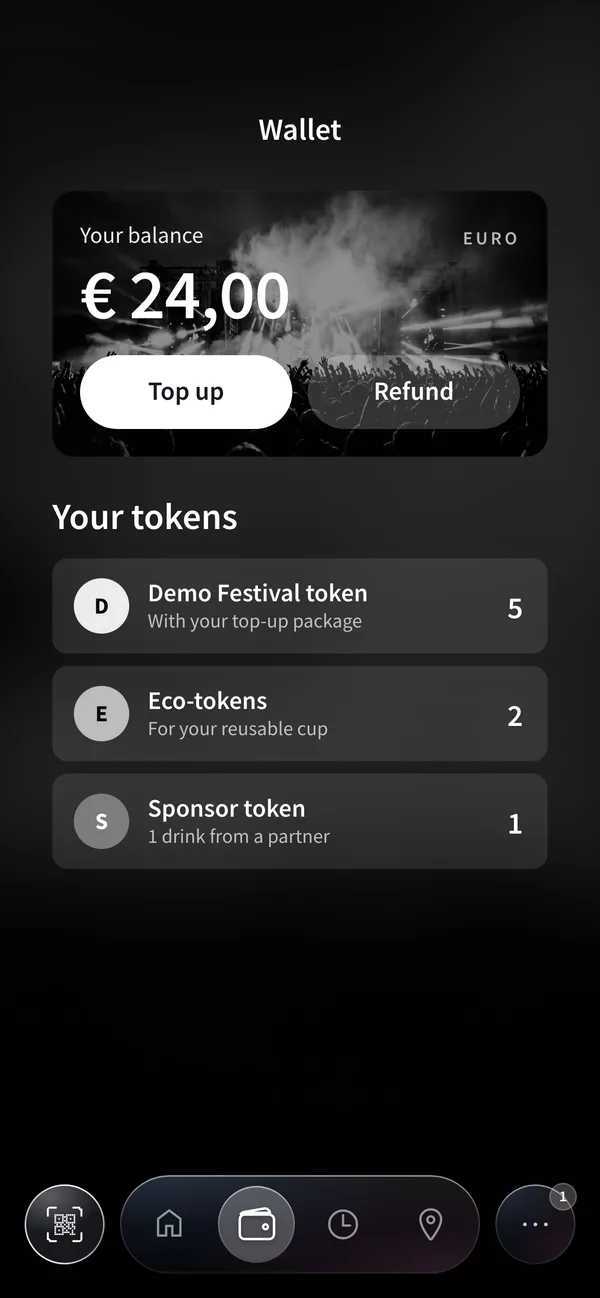
Your crowd
One wallet, rewards for coming back and your own app.
From separate tools to one connected event
Separate suppliers
Each tool keeps its own records
- Ticketing
- Gate scanning
- Wallet
- Top-ups
- QR self-order
- RFID card or wristband
- Cup deposits
- AI assistants
- Bar devices
- Reports
- Visitor app
- Sponsor offers
Payment
With anyKrowd
Built in or connected to the same event data

Card payments go to your merchant account
Payments run on each organizer's own Viva.com merchant setup. anyKrowd supplies the event technology layer; card-settlement funds do not sit on anyKrowd's balance sheet.

 Live
All payment methods
Bank card or phone is the base. Add the others in any mix.
Bank card or phone
Contactless, through Viva.com.
Cash
Counted in the same report.
App QR
Shown in your app, scanned at the bar.
RFID card or wristband
Tap to pay from the wallet. Top up at a counter or a kiosk, and refund what is left on request.

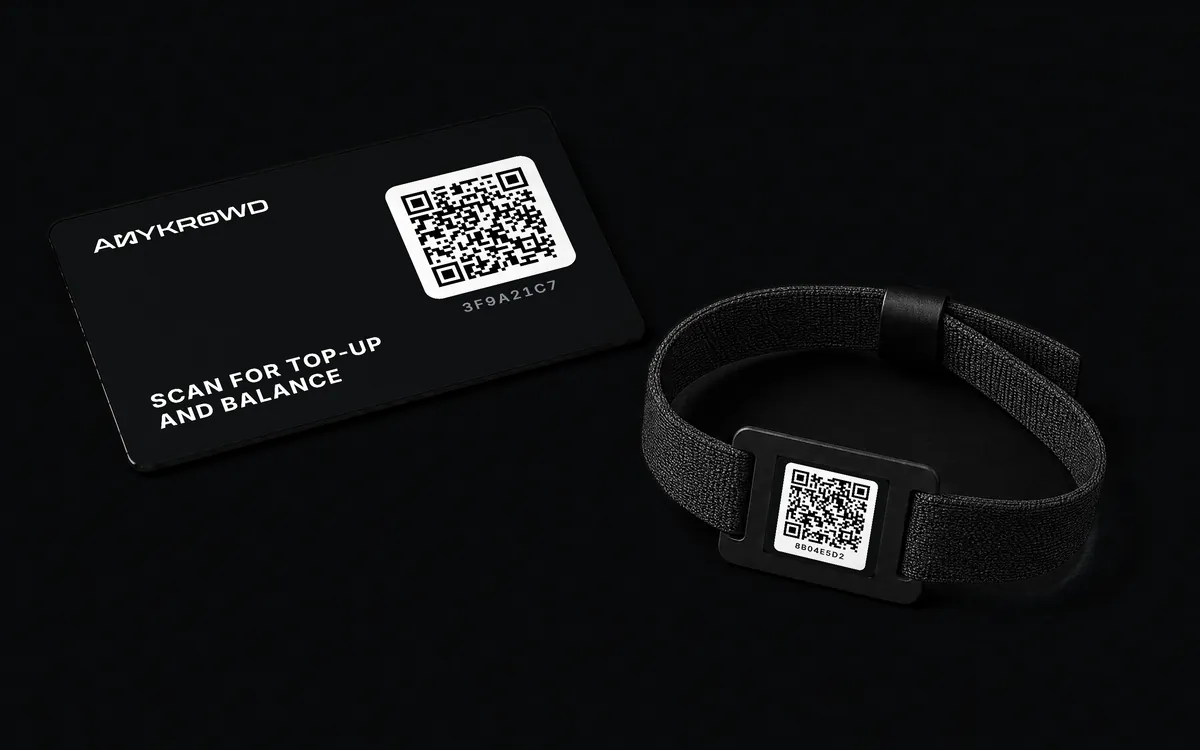
Cards and wristbands, with a QR
Scan its QR to see the balance and top up in the browser.

Cup deposits and returns
Limit refunds to cups bought. Extra returns can earn digital eco tokens. For card purchases, refund the original card via Viva.com.
Scan a QR code. The device is ready for that bar.
Each crew member's QR code loads their bar and role. The same device works at the bar, the door and the top-up point.
A crew member scans their QR code and the device is ready for Main bar.
Mobile POS
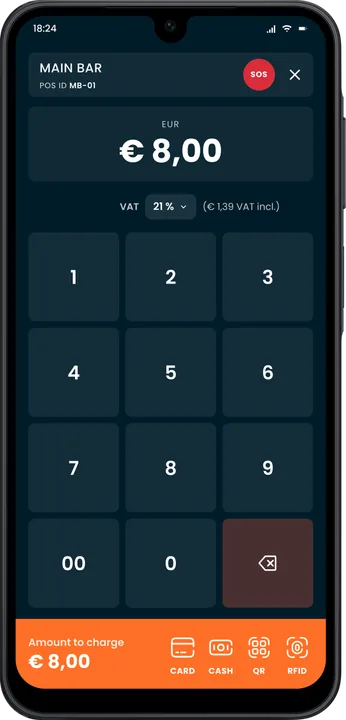
Mobile terminal
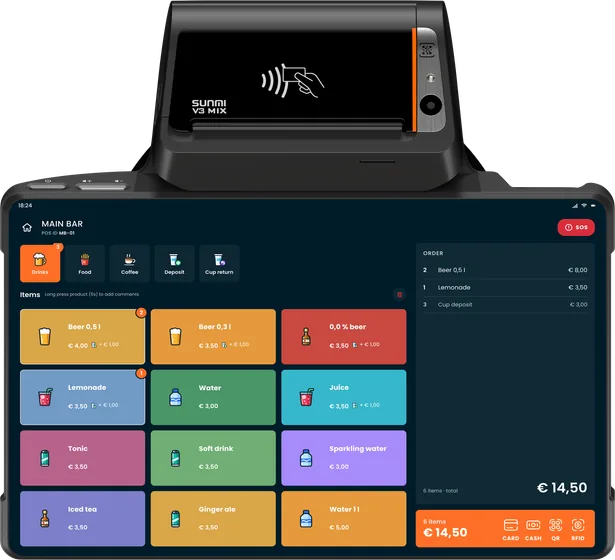
Counter POS
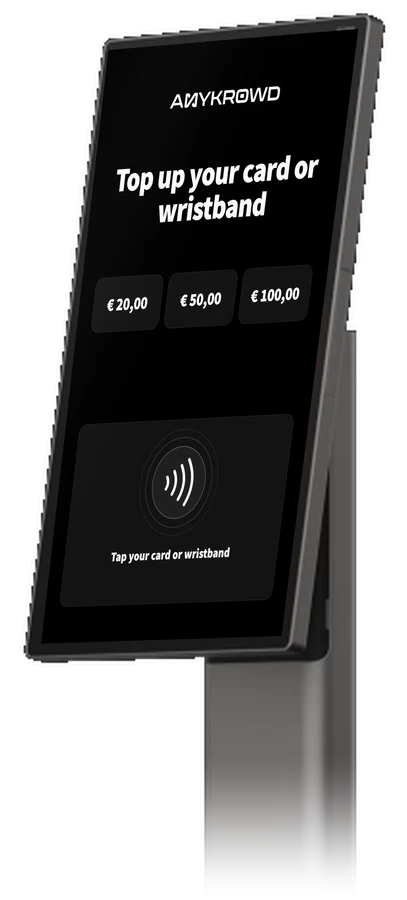
Top up
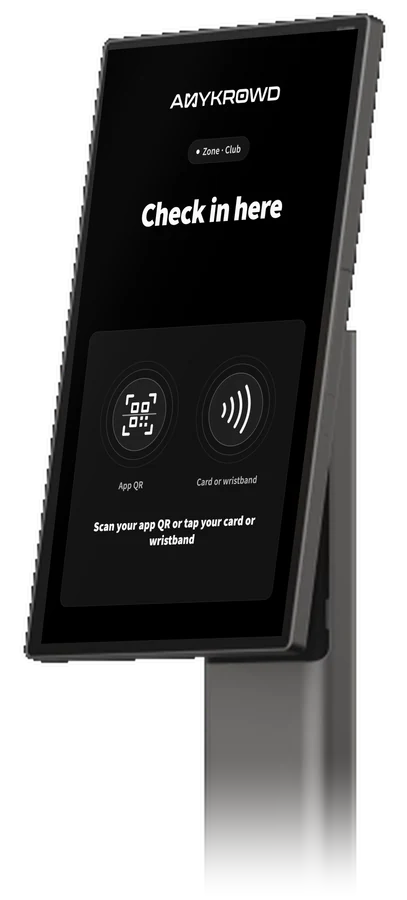
Check in
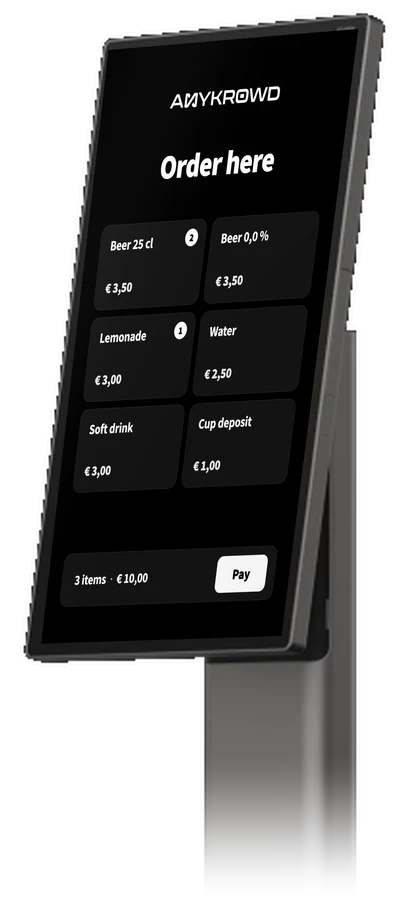
Order and collect
- Handheld
- Tap the products, or type the amount.
- Payment methods by role
- Choose which methods each crew role accepts.
- During the event
- Change menus and prices from the back office.
- Self-service kiosks
- Visitors top up their card or wristband and check in. Ordering is planned.
Loyalty rewards and discounts
One wallet for euros and tokens. Reward the visitors who come back.
Your walletEURO
€24.00
- 1 drink token
- 1 gift
Add money
- 01
Create your event currencies
Set each token's price and what it buys, such as a crew meal, drinks for artists or one drink from a sponsor.
- 02
Choose who gets an offer
Offer members a discounted top-up, such as €55 in credit for €50, or send a gift to visitors who return.
- 03
Reward wallet payments
Visitors use a reward with their card, wristband or app QR. By bank card or phone, they pay the menu price.
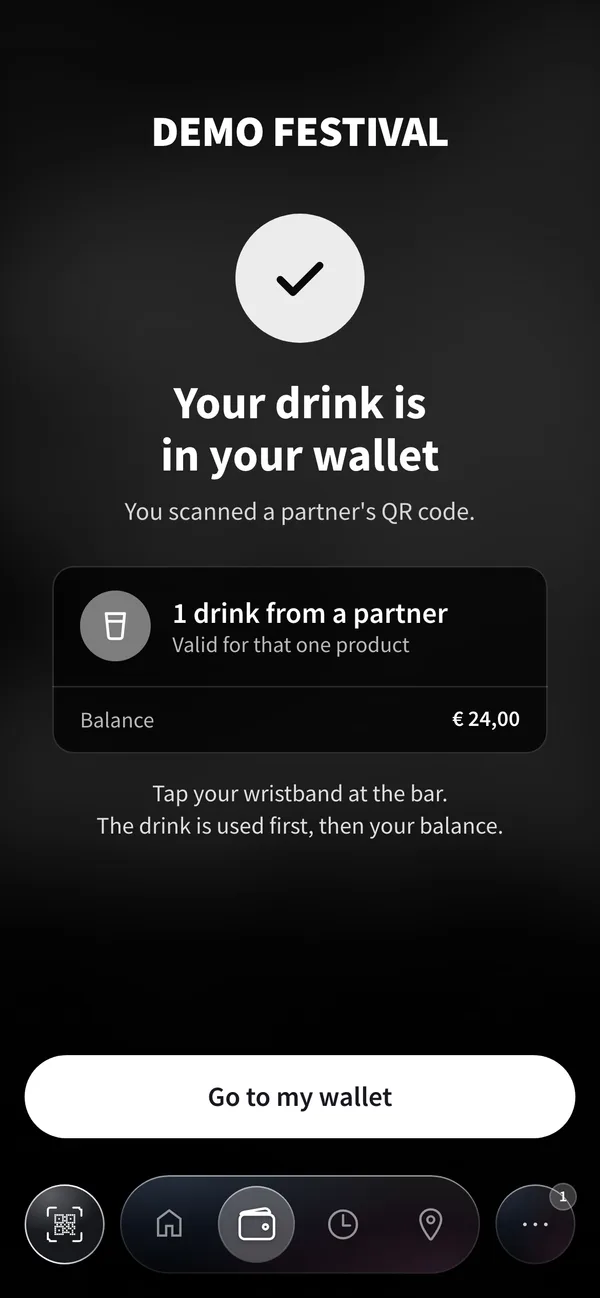
A brand pays the round
A sponsor's QR puts a drink in the wallet. Set a claim limit; each drink is counted apart from paid sales.
Reports and insights
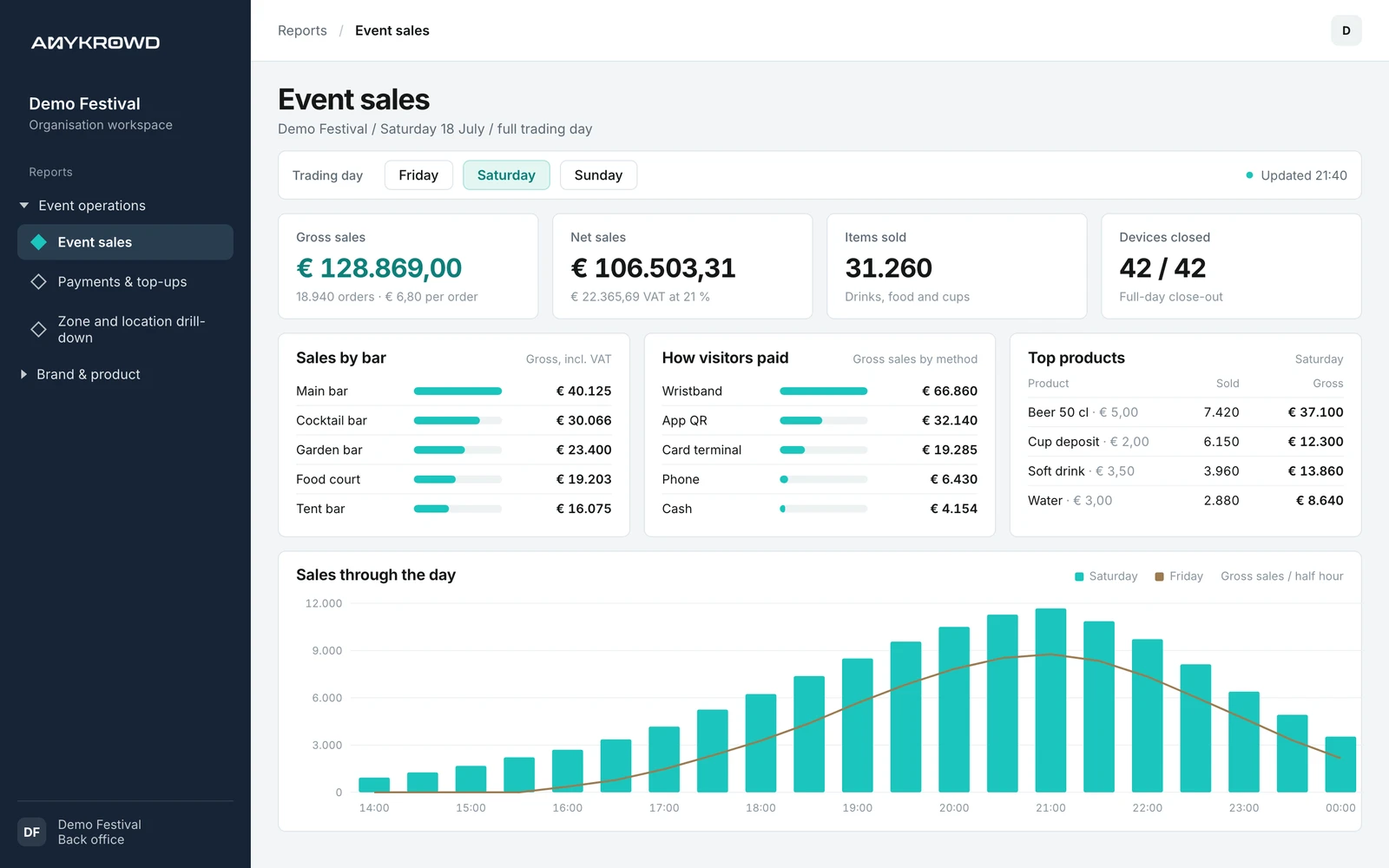
Every sale, scan and visitor in one place.
- Every data point, searchable
- Sales, top-ups, entry scans and refunds, per bar, hour or visitor.
- Dashboards built with your team
- On your own data, for each stakeholder.
- Excel and PDF
- Day and event reports, and exports of orders and visitors.
Sales
Visitors
Demo Festival- 10,868
- visitors
- 5,276
- came back
- 659
- came 10+ nights
659 came 10+ nights5,276 came backFirst visit only
Ask your data
ConceptDemo FestivalQuestion: How many visitors came back this season?
Worked 1.5 s · 32,589 scans
48.5% came back: 5,276 of 10,868 visitors.
- 5,276
- came back
- 659
- came 10+ nights
Question: Show me one visitor who keeps coming back.
Worked 0.9 s · 1 profile
Visitor #4821, from what you already have:
- TicketSeason pass
- Entry scans11 nights
- Payments31 · €412
- Sponsor tokenClaimed, used
- AppPush on
- Segment10+ nights
Sales: per bar, product and payment methodVisitors: who came back and how oftenAsk your data: questions in plain words
The visitor app
Your own channel to your community, with the wallet inside.
- Web app, or your own app
Optional for visitors, nothing to install. Or in the stores, under your name, logo and colour.
- Web app
- App Store
- Google Play
- Push messages in your own app
Now or scheduled, to everyone or to a group you choose.
- Tickets beside the wallet
Sold in the app, or synced from a connected ticketing partner when the visitor's email matches.
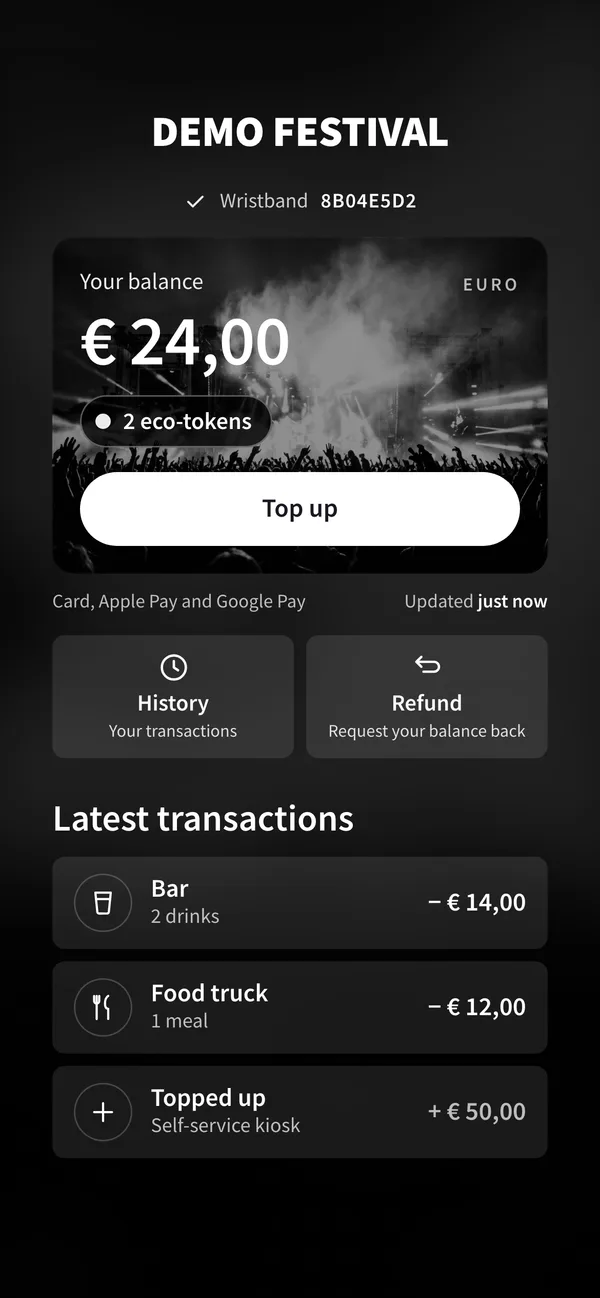
Web wallet Euros and tokens 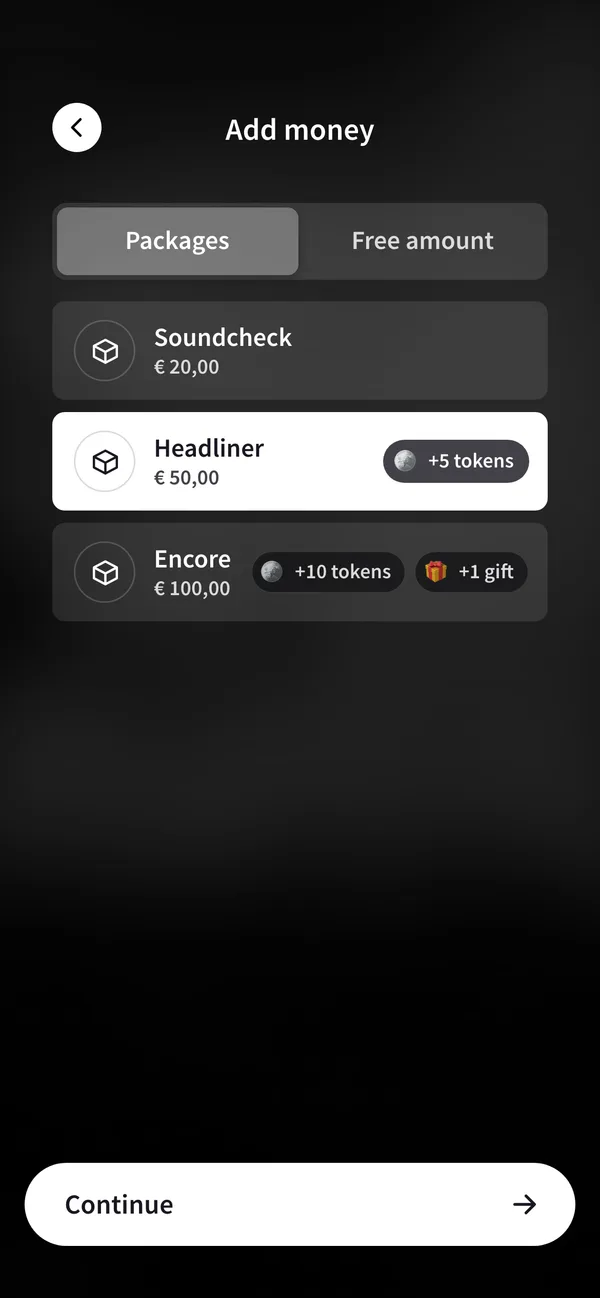
Top up 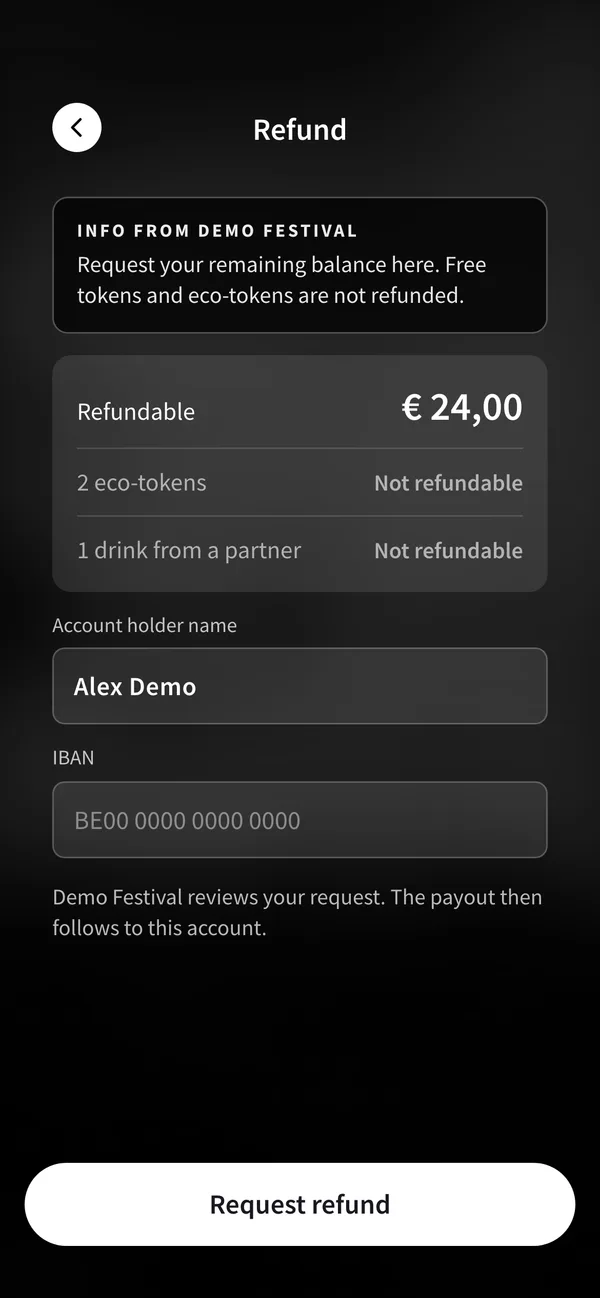
Refund A sponsor's drink 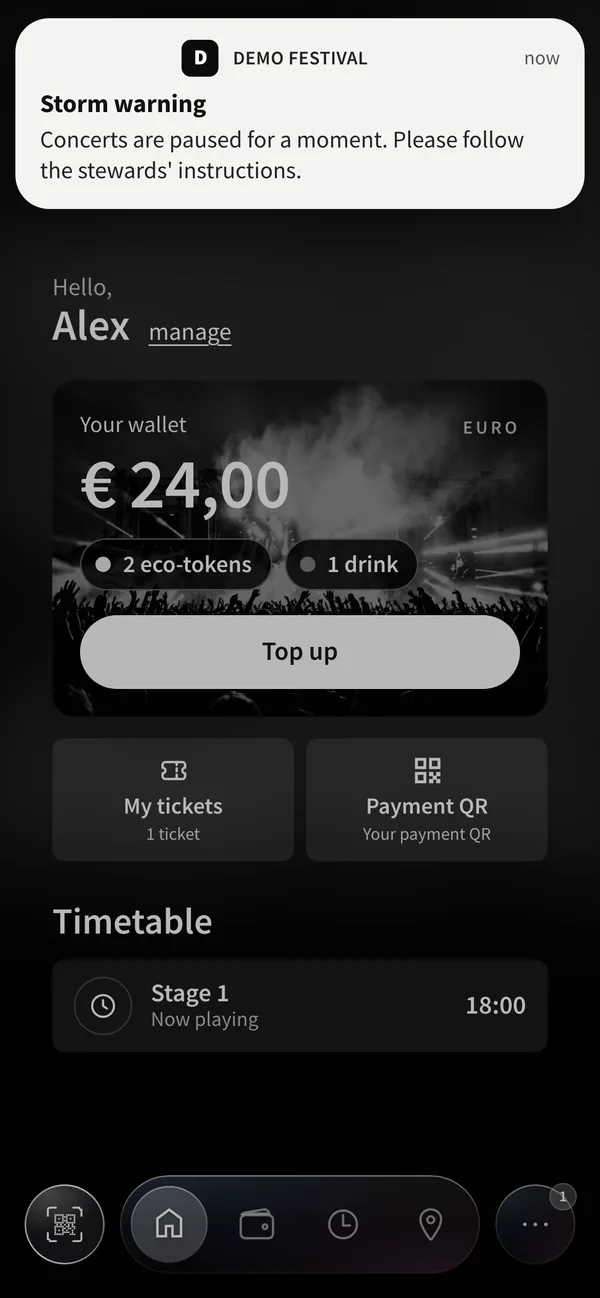
Push messages 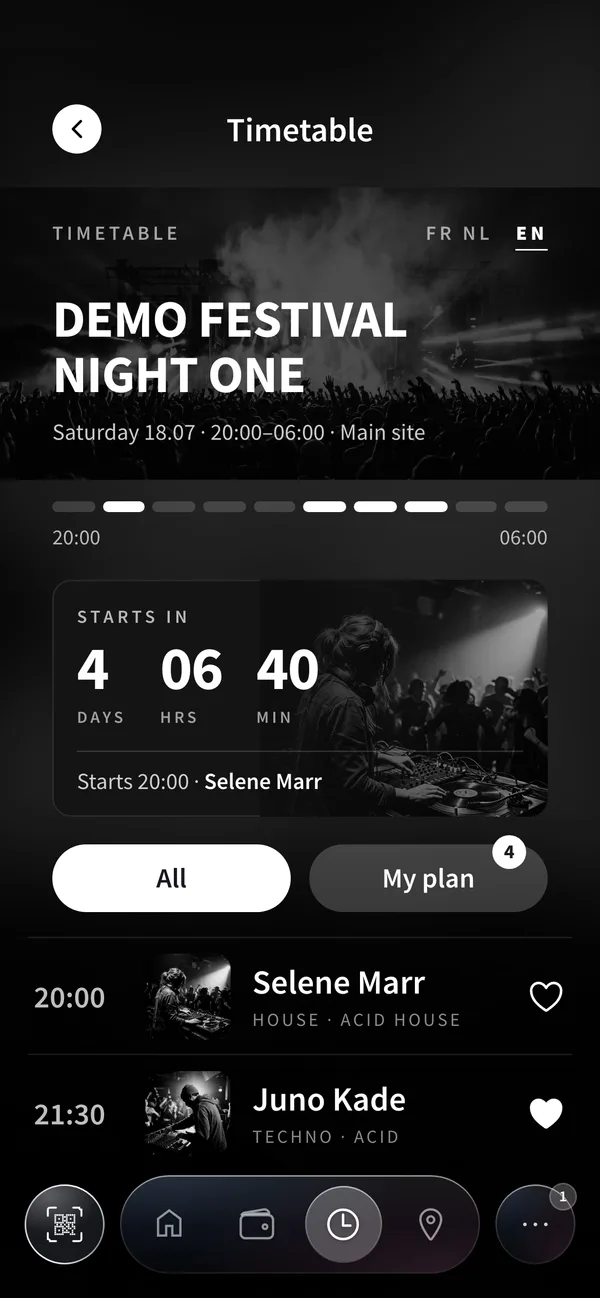
Timetable 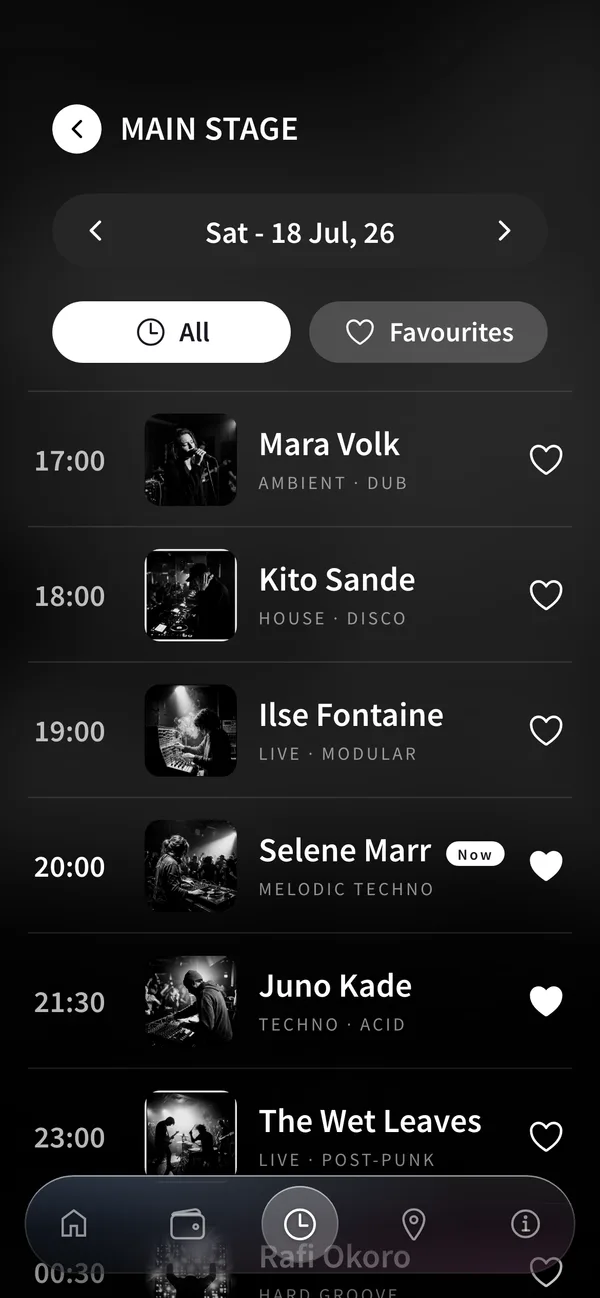
Line-up 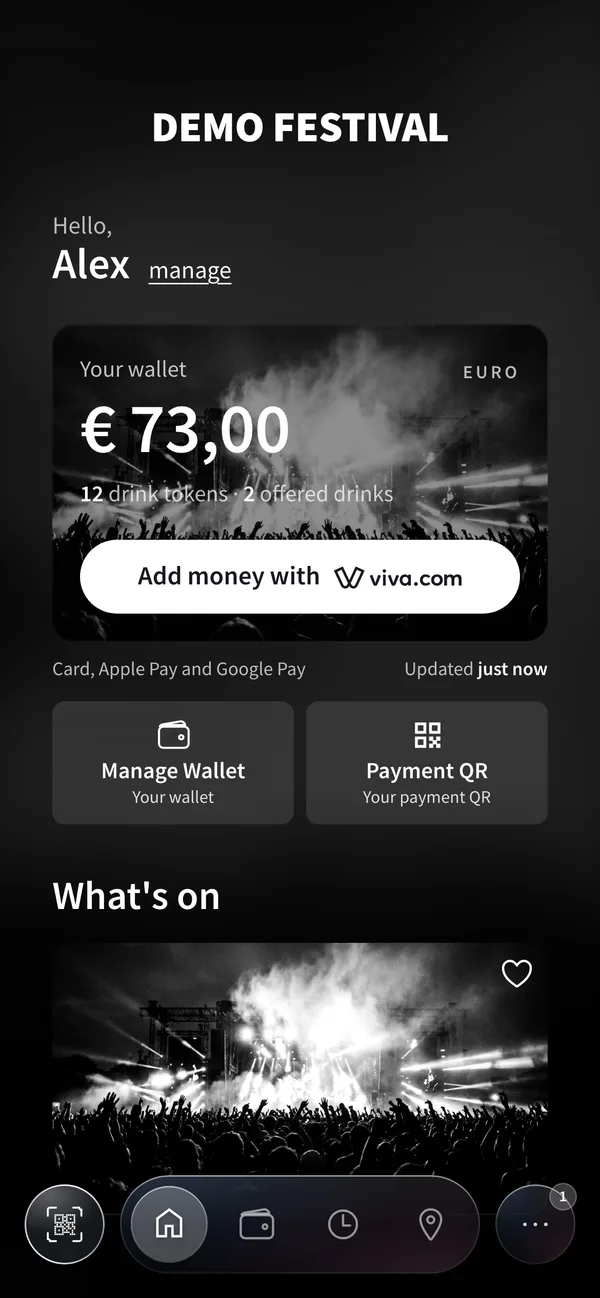
Home 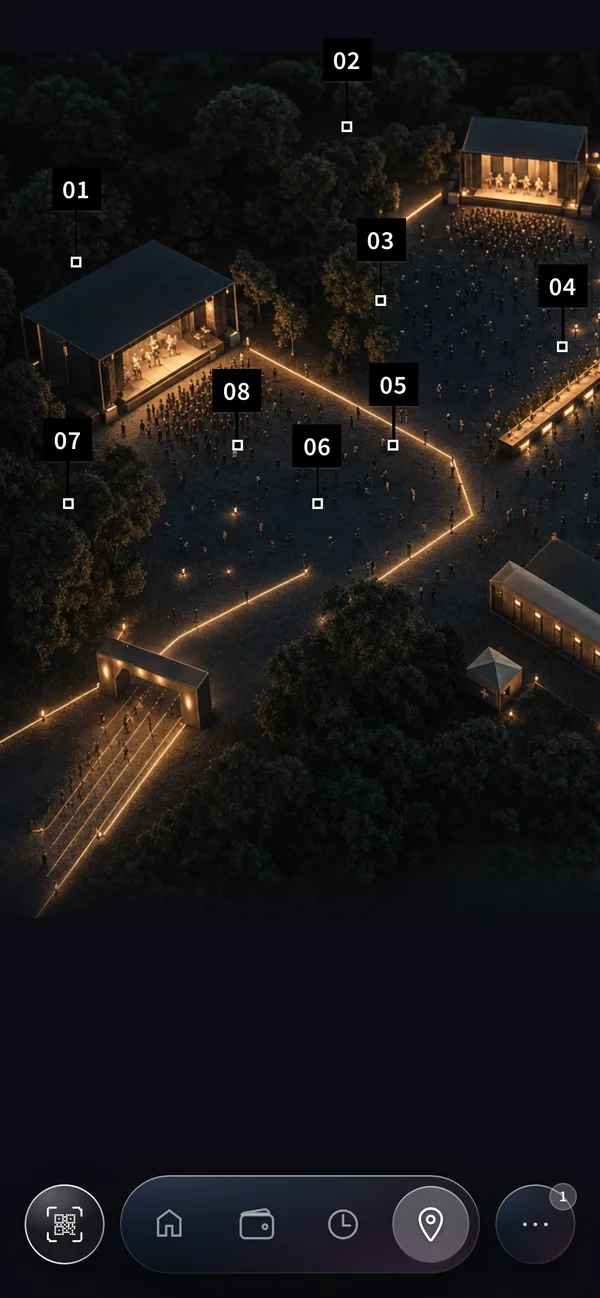
Map 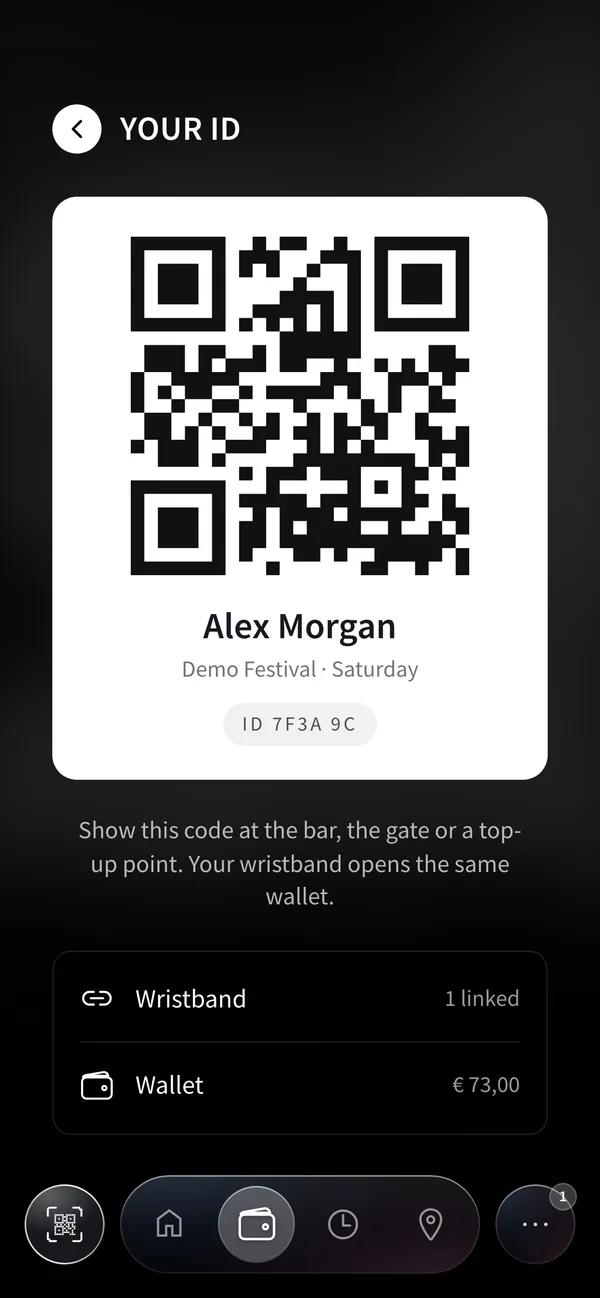
Your ID
Our team works with yours
Before, during and after the event.
Preparation
Menus, prices, devices and cards set up with you.
On site
Delivery, start-up and changes while your event runs.
Helpdesk
Payment and refund questions, from you and your visitors.
App and community setup
Your app filled with the info, the timetable and the posts.
Settlement and reports
Reports per bar and per vendor, checked against your Viva.com payouts.
- Main barCan Jupiler go to €4.50 from 22:00?21:48
- anyKrowd supportDone. From 22:00 Jupiler is €4.50 on every Main bar device.Jupiler 25cl
€4.20to €4.5021:49 - Cocktail barWe're out of Coca-Cola Zero. Can you take it off?22:06
- anyKrowd supportDone. Coca-Cola Zero is off the Cocktail bar menu.Coca-Cola Zero 33clOff the menu22:07
Where it runs
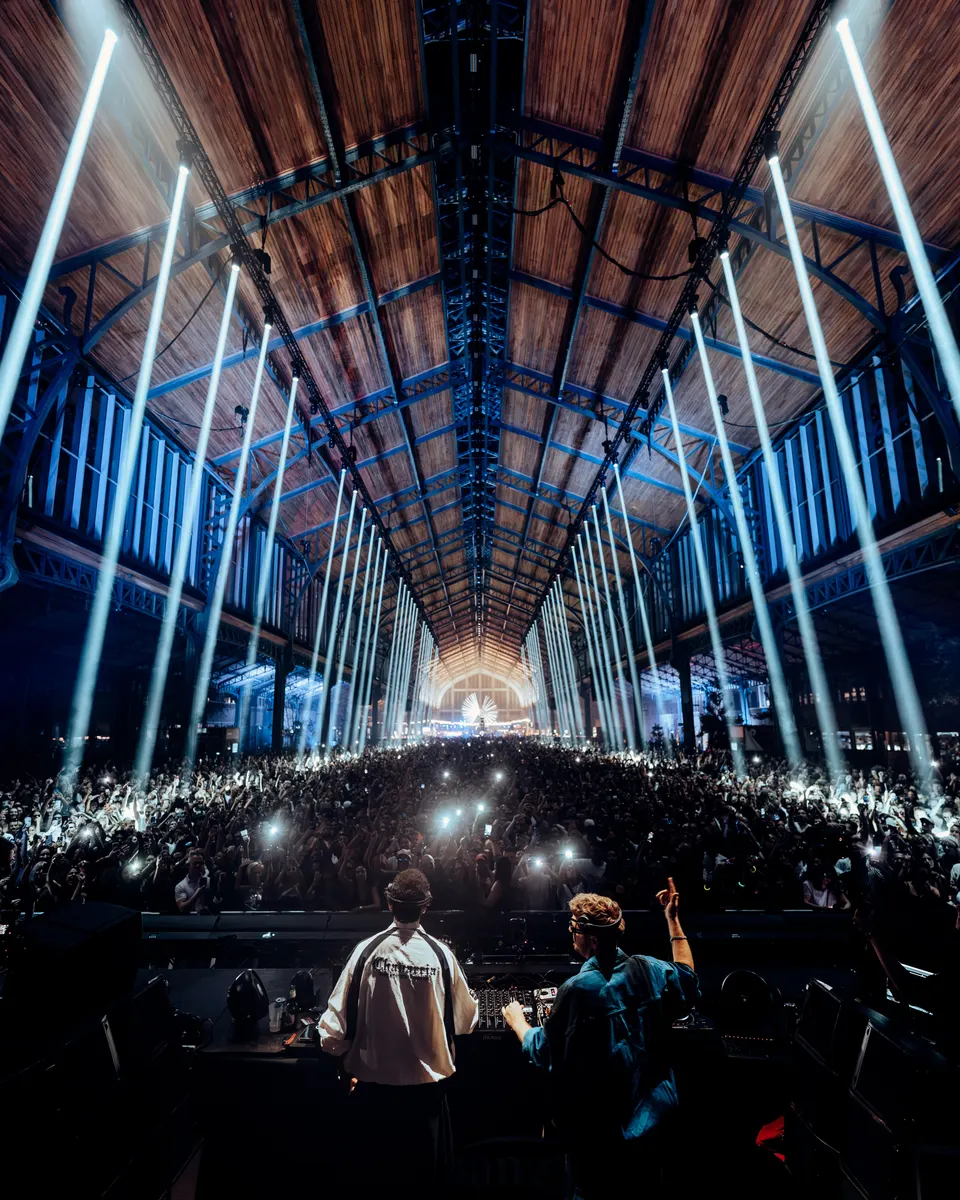
Hangar
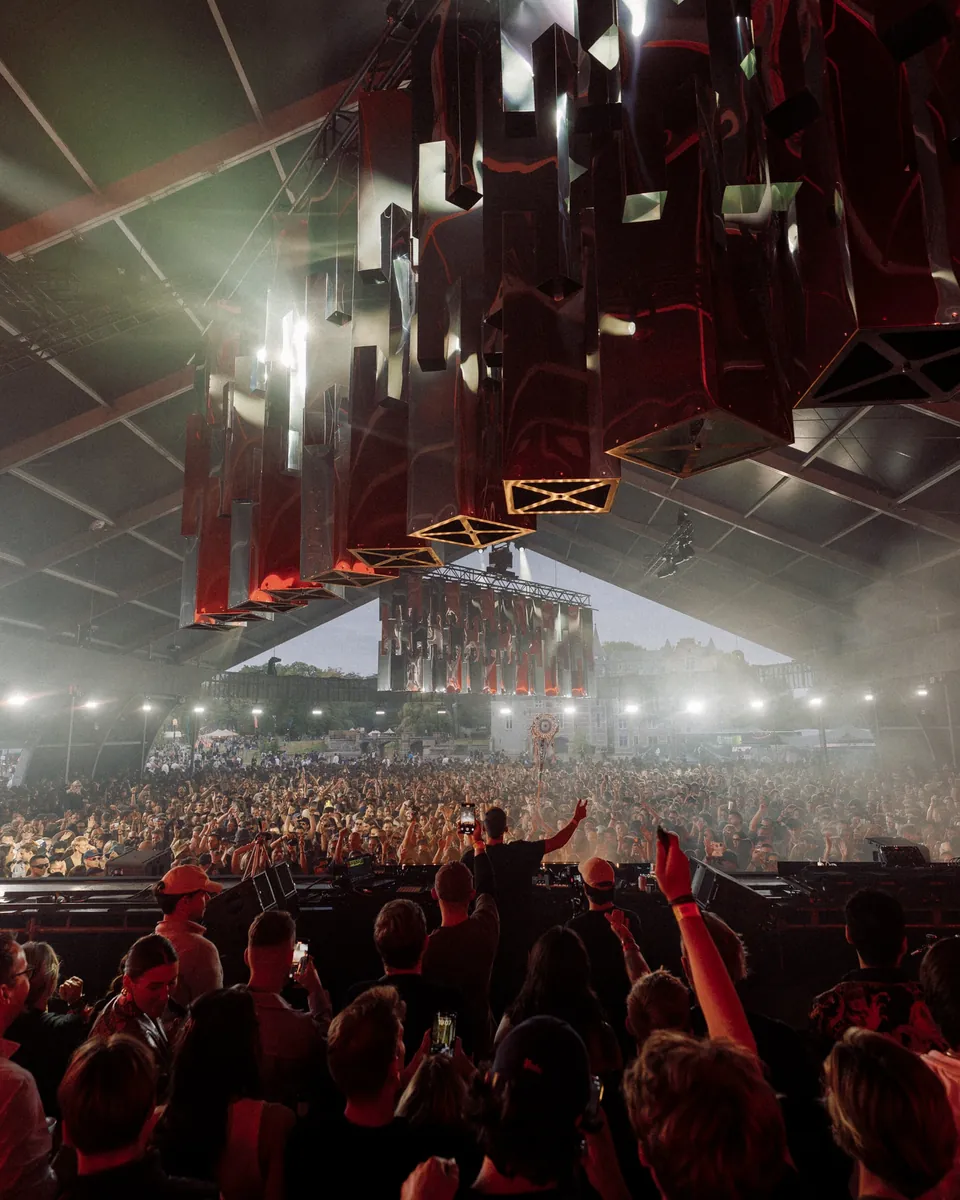
Voodoo Village
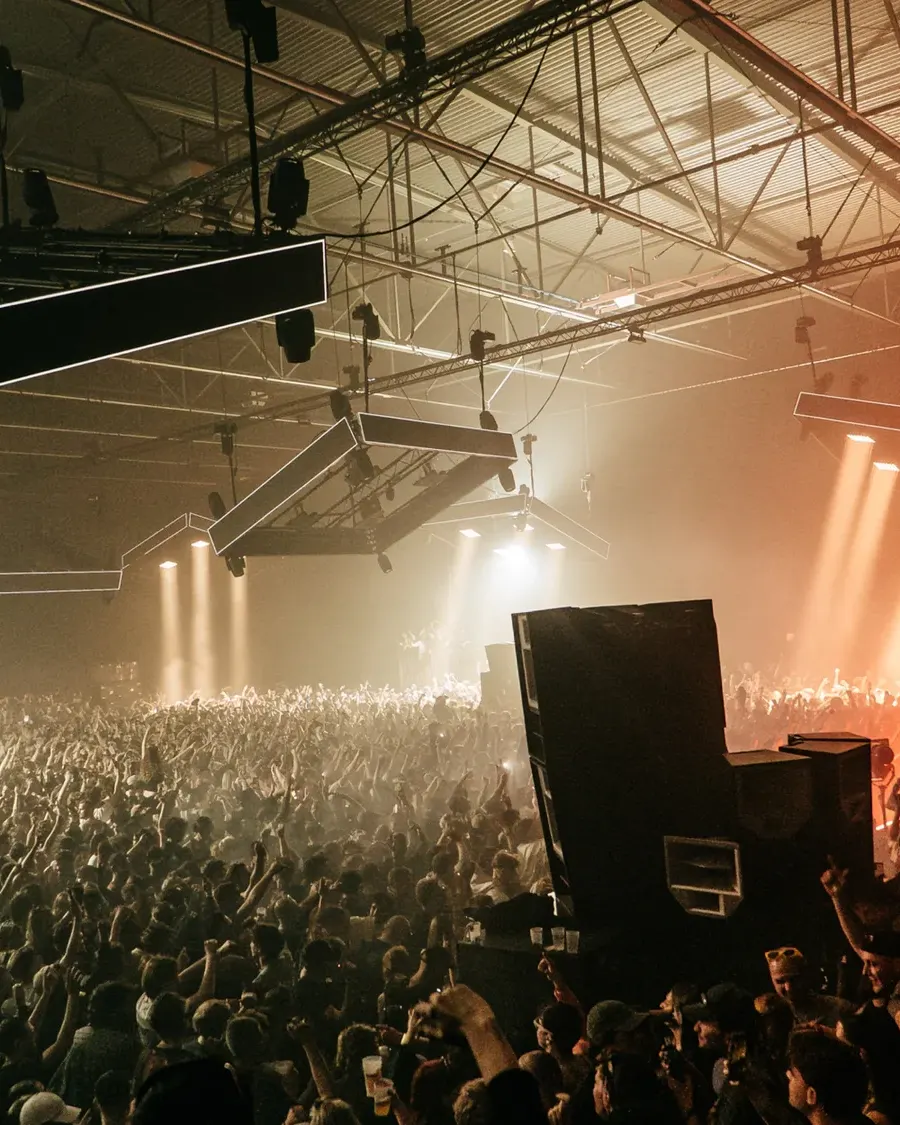
MODUL'AIR
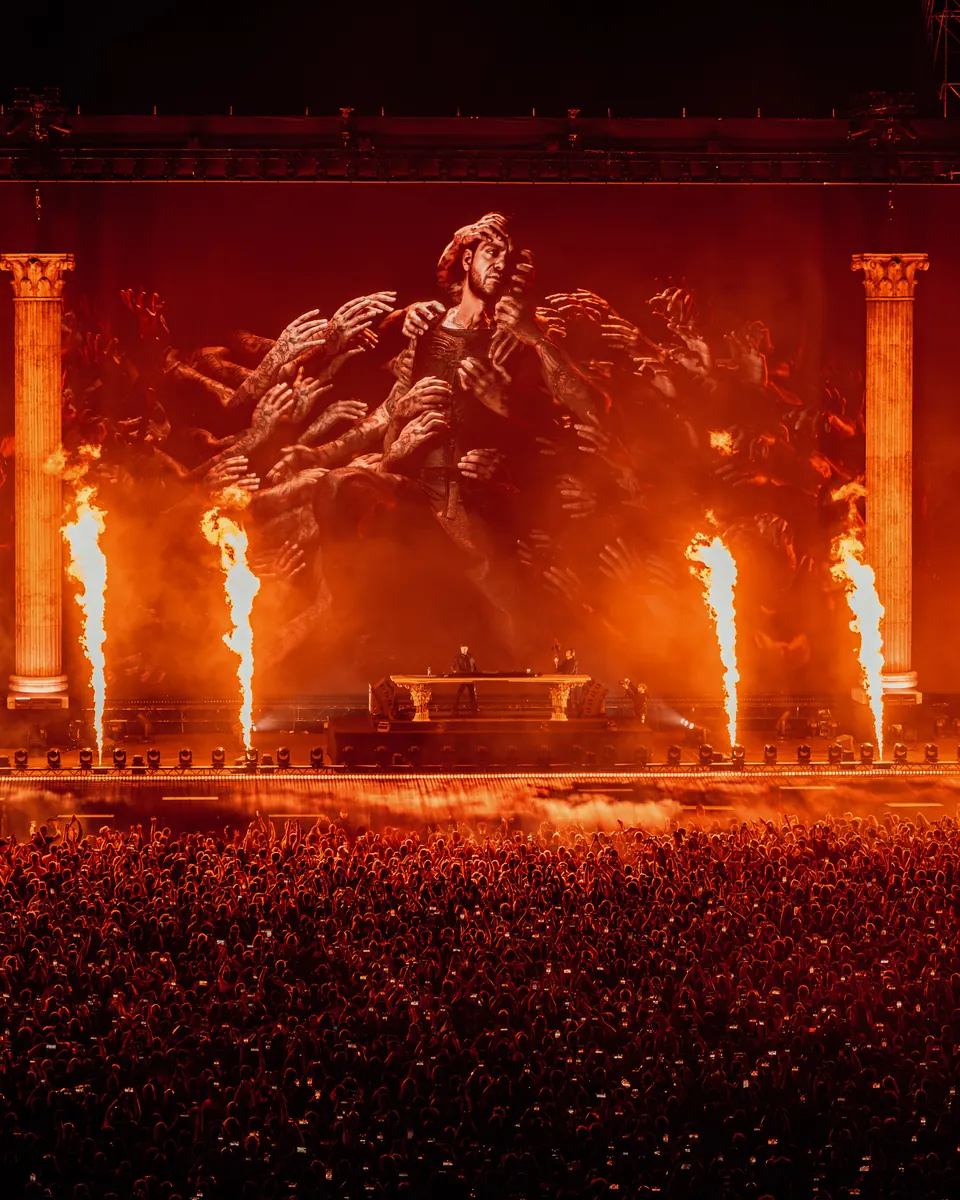
SURROUND

Sektor 6D
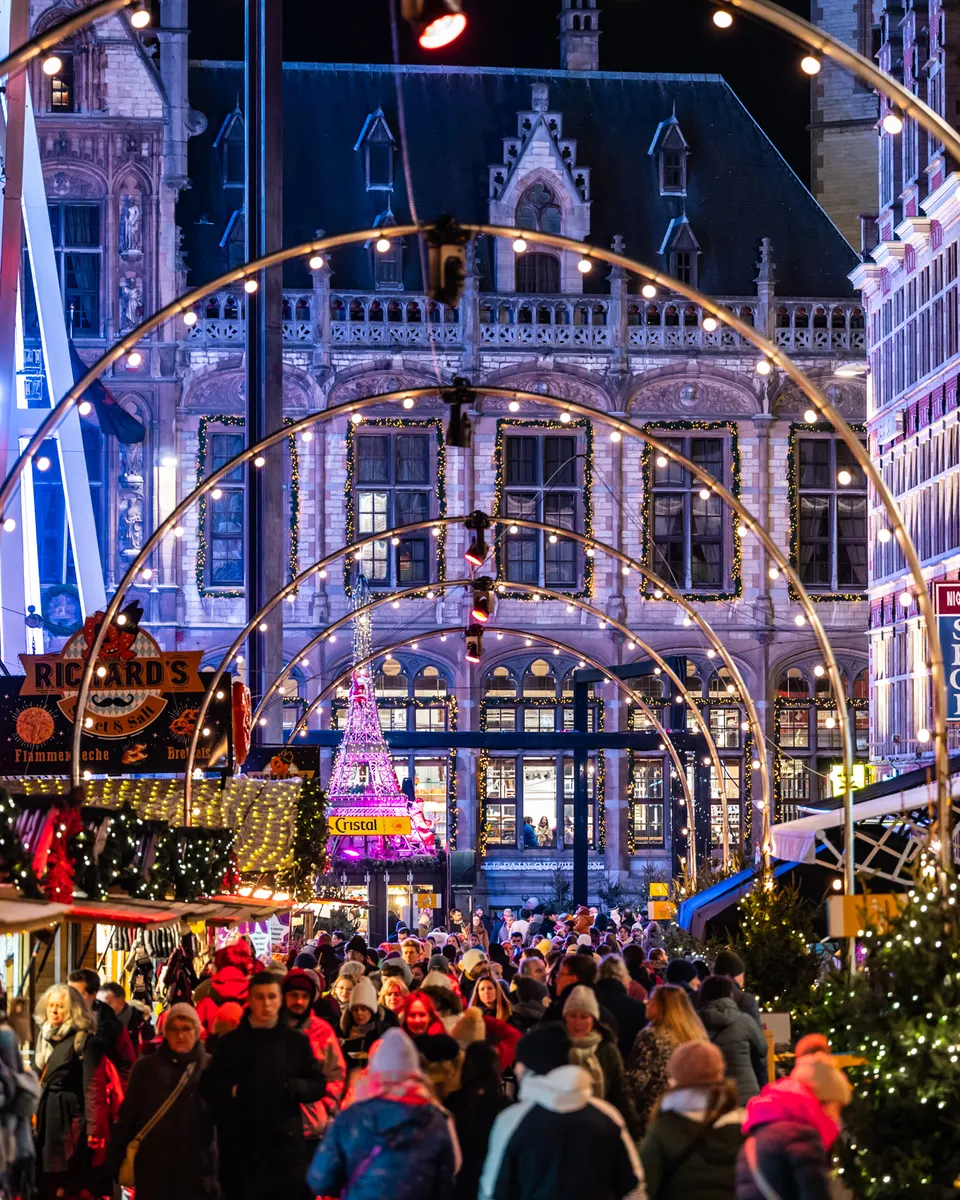
Gentse Winterfeesten

Ginette
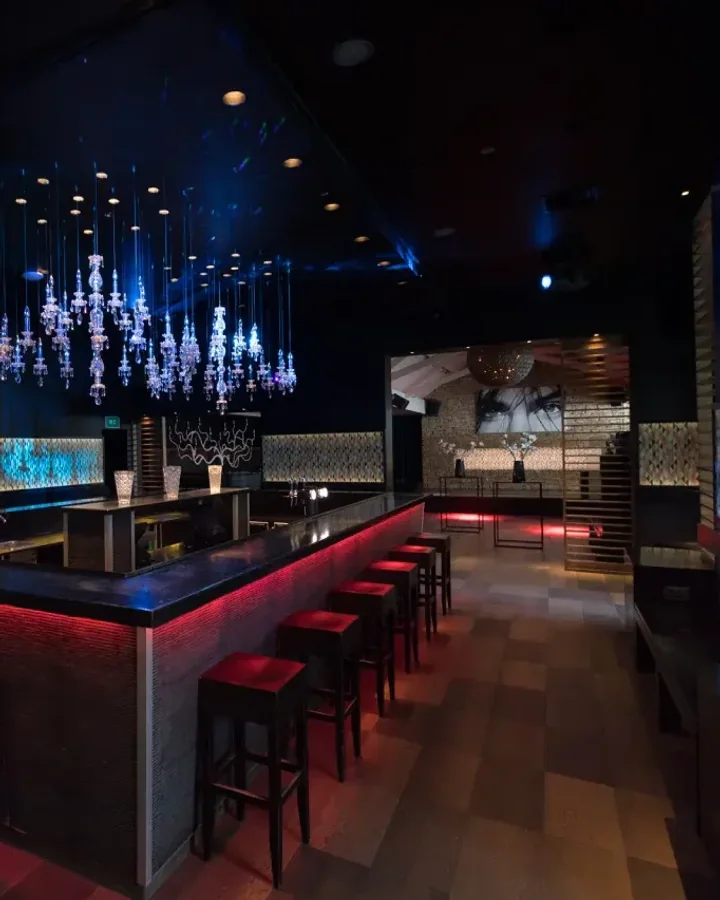
Les Jeux d'Hiver
Start with your next event.
We go through your event, show you what is possible and tailor an offer.
Booking runs on Calendly. We use these details to plan this call and follow up on it. Privacy notice